A Desktop on RISC-V
Most operating systems that target RISC-V stop at a serial console. Open Nexus has a
graphical desktop: windows you can drag, a launcher, a file manager, a settings
panel, and an on-screen keyboard — composited on the GPU, running on
qemu-system-riscv64, with no Linux underneath and no x86 anywhere in the stack.
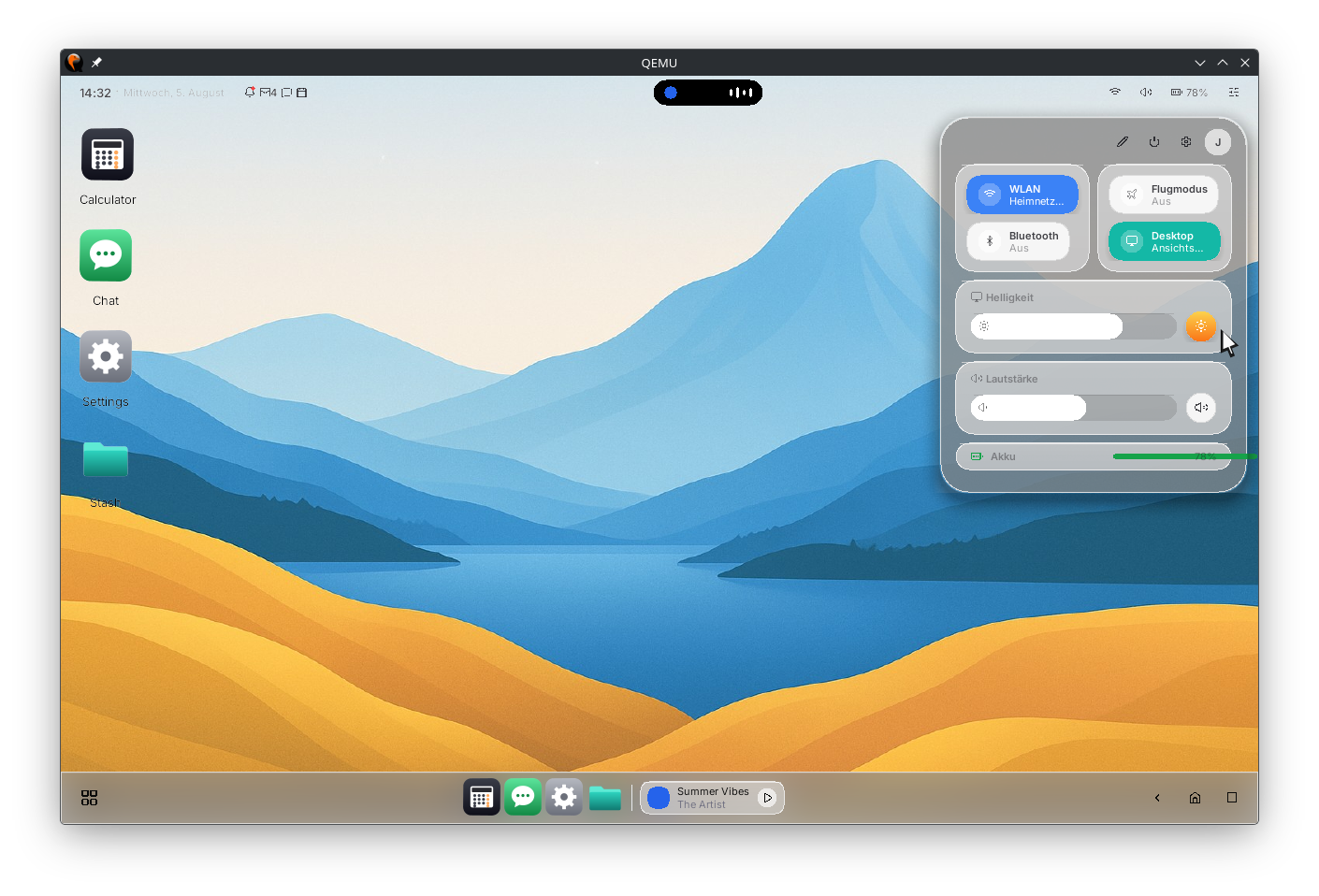
Applications are processes, not widgets
The desktop shell is an app. The launcher is an app. The login greeter is an app. Settings, the file manager, the calculator, the chat client and the on-screen keyboard are all separate programs, each loaded into its own process.
They are written in NeX, our own interface language. Files end in .nx, and it
has a compiler, a canonical binary IR, a type checker, an interpreter for host
previews, and a runtime that executes it as a real process on the OS. The calculator
is about a hundred lines of it.
NeX is deliberately constrained. There are no floats in the semantics, no wall-clock
reads, and no unordered iteration. There is no goto, no unbounded while, and no
recursion in reducers — the IR is a total expression tree, so it cannot represent a
back-edge. Termination is not tested; it holds by construction. Reducer purity is a
compile error rather than a lint. The same source compiles to byte-identical IR, and
the same IR with the same inputs produces identical frames.
An app ships as a bundle: a manifest, a compiled UI program, its assets and its
translations. The manifest's bundle_type is not a label but a privilege ceiling,
enforced when the bundle is packed — a normal app cannot even ship a manifest
asking for a system capability, because the packer refuses it.
How it is drawn
Rendering runs on the GPU over virtio-gpu, accelerated with virgl, with opacity, blur and shadow. The architecture is the one modern browser engines converged on: an app describes its interface once, as a structure, and the compositor keeps that structure resident on the GPU as independent layers. From then on it only touches what actually changed.
The consequences are the point. Dragging a window doesn't ask the app to redraw anything — moving it is a transform. Scrolling doesn't ask the app to re-emit the page. Blur, shadow and glass are properties of a layer. A busy app cannot stutter the whole screen.
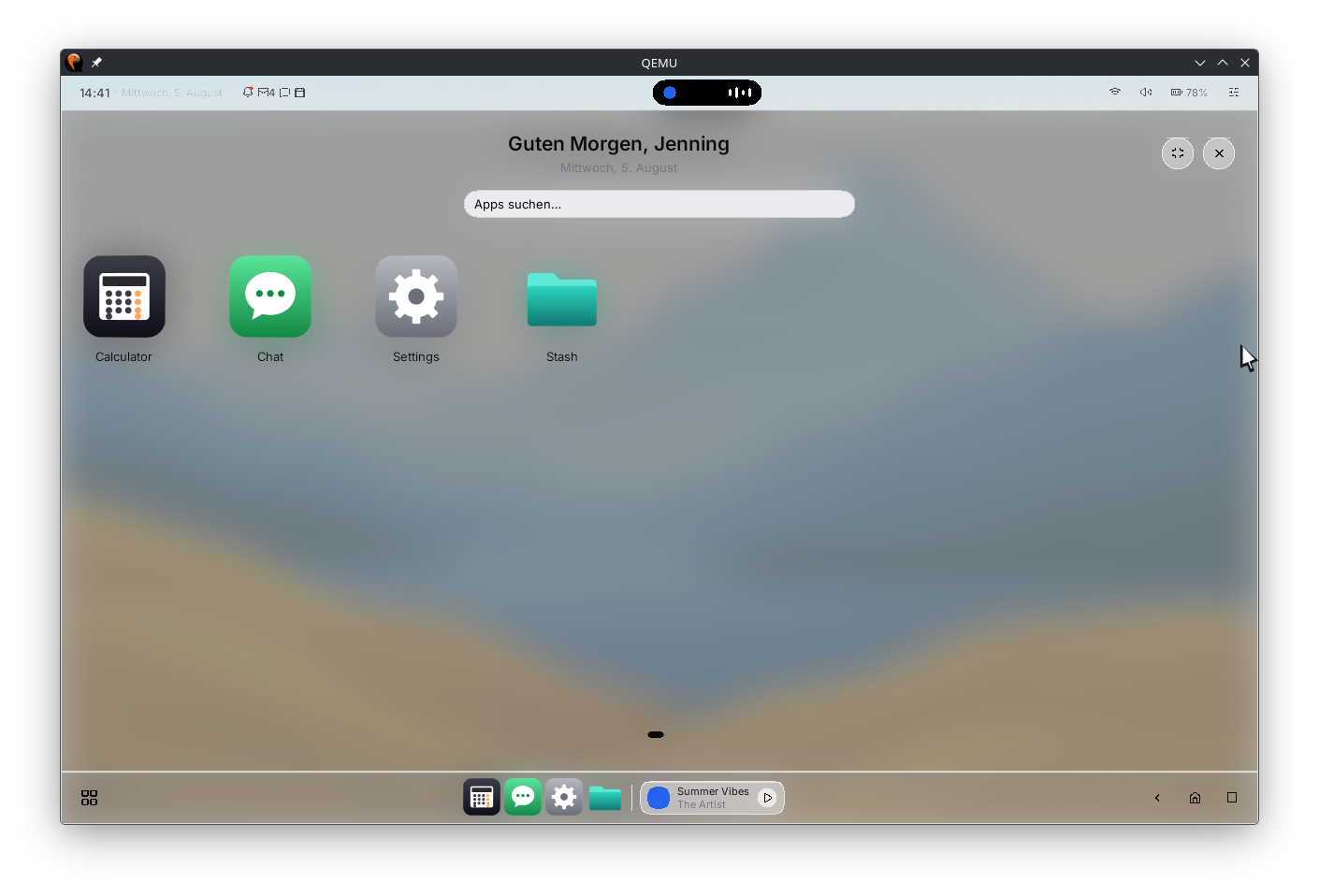
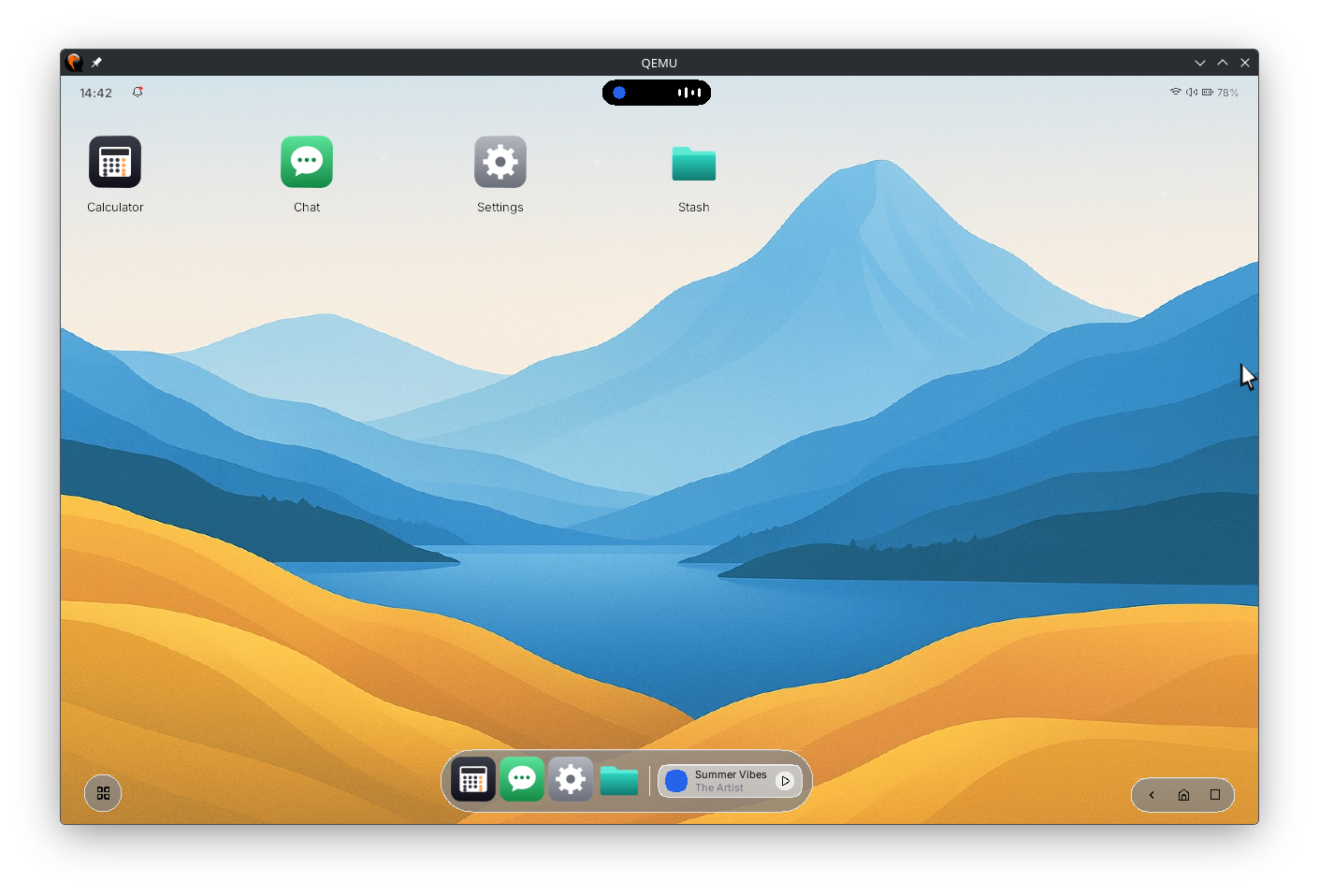
The launcher is one app in two shapes. It isn't two code paths behind a breakpoint — the layout is a function of the space it is given. The same shell measures itself onto a tablet-shaped display rather than being ported to one.
Text input, across scripts
Keystrokes travel an identity-gated path where the kernel says who sent them, never the payload. The on-screen keyboard is an overlay app injecting through a dedicated capability-gated endpoint that nothing else can reach, and password fields bypass composition entirely.
There are IME engines for Japanese romaji→kana→kanji, Korean 2-set jamo composition and Chinese pinyin, with a bounded, deterministic user dictionary. Switching the system language re-renders running apps in place — no restart, no relaunch.
What is real, and what is a mockup
Screenshots of an early system are easy to over-read, so here is the line, drawn explicitly.
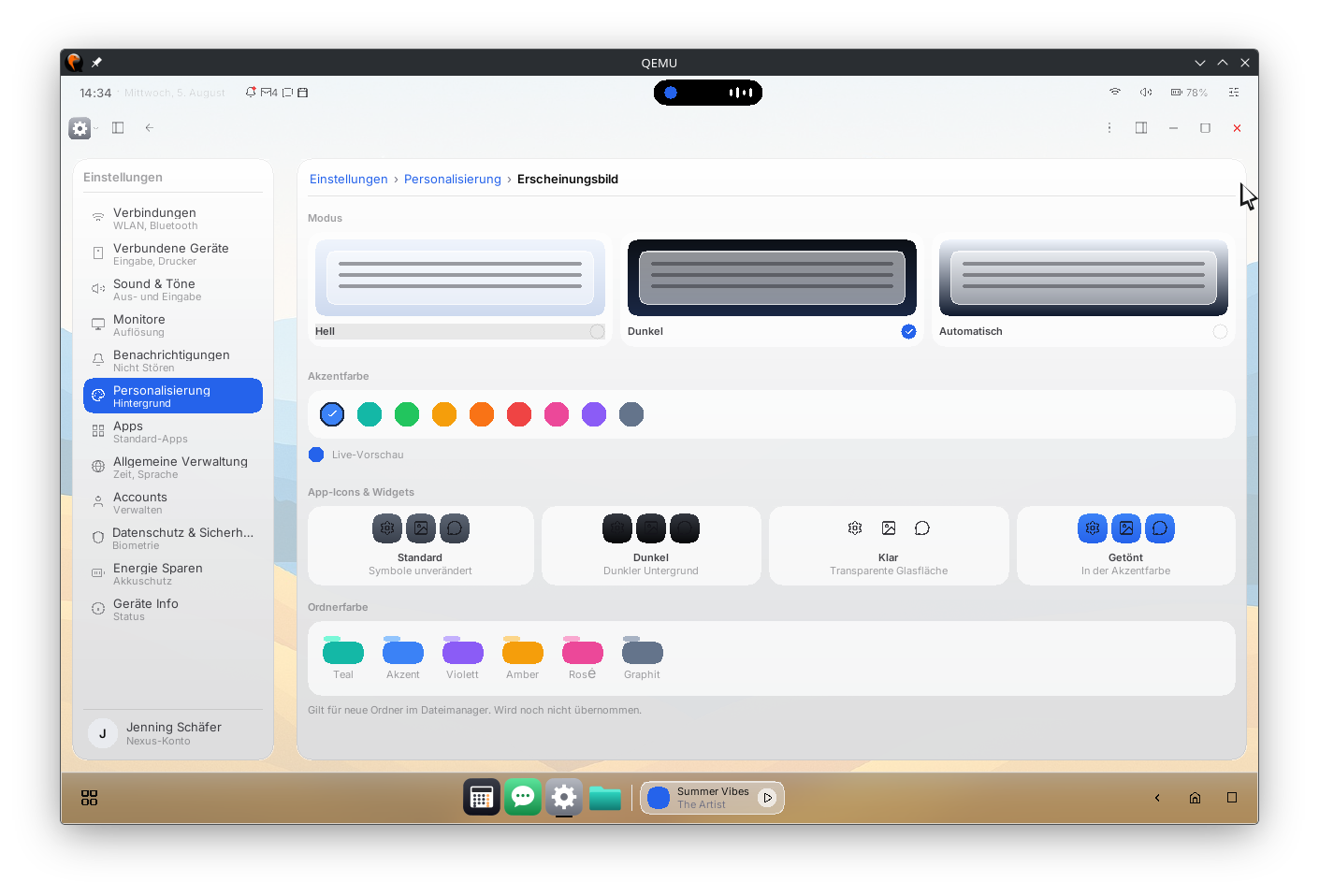
Real: the clock, driven by a real time service. Theme, accent colour, icon
style, light/dark and shell mode — all live service writes that persist across
reboots. Window management. App launching. The launcher. Every file the file manager
shows you, with copy, move, delete, trash, sorting and a grid/list toggle, over a
filesystem that is journaled, has an fsck, and replays its journal incrementally.
Text input and the IME engines above.
Not real, and visible in the screenshots: the battery indicator, the music player widget, the Wi-Fi and Bluetooth panels, the notification badge and cards, and the calendar. There is no power service, no audio service and no notification service. The battery percentage is literal text. The calendar panel contains three hand-written months, because there is no date arithmetic yet.
Large parts of that shell are a mockup — a picture of where this is going, rendered by the real thing. We would rather say which parts than let a screenshot imply an answer.
See it move
Screenshots can be staged. The walkthrough below is the system booting and being
used on qemu-system-riscv64 — and the full write-up of how it was built is in
We Taught It to Speak.
Read further
- We Made the Screen Light Up — from one pixel to windows
- We Taught It to Speak — NeX, the app runtime and the shell
- Services and userspace — what sits under the GUI
- The RISC-V operating system around it
- NEURON, the capability microkernel